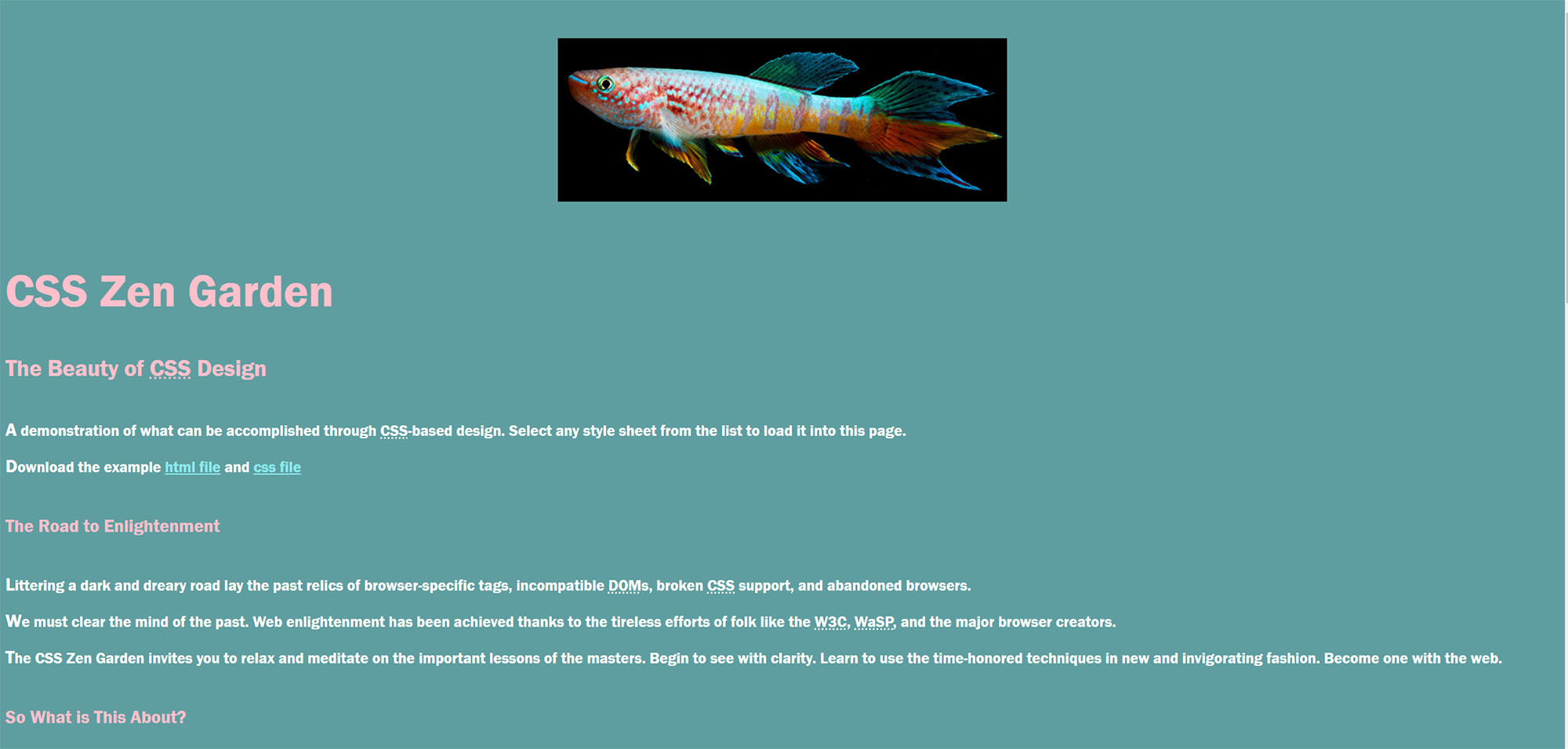
 The CSS Zen Garden is a project started by Dave Shea in order to teach the beauty of CSS design. Participants download a template HTML page and a CSS file to design the webpage only using CSS. This was my first real foray into CSS design and as an added challenge, I had to use 43 CSS selectors. The goal of this project was to design the page using all 43 selectors in any way you want and this project was very successful as I am very happy with the design I came up with. I learned how the different CSS selectors work and when to use them to effectively translate a design into code. One of the biggest challenges with this project was the fact that I had to use all the selectors even if my thought of design did not have the need for the use of the selectors; however, to get around this issue, I just incorporated the use of the selectors into my design and it turned out quite well. For this project, I had to investigate the different CSS selectors, what they do and how they work, in order to fully understand how to translate my design. I also had to reflect on my design and decide how to include the selectors, where they should go, what they should do, that sort of thing. All in all, I really enjoyed this project and it really helped me develop my design and CSS skills. View Website
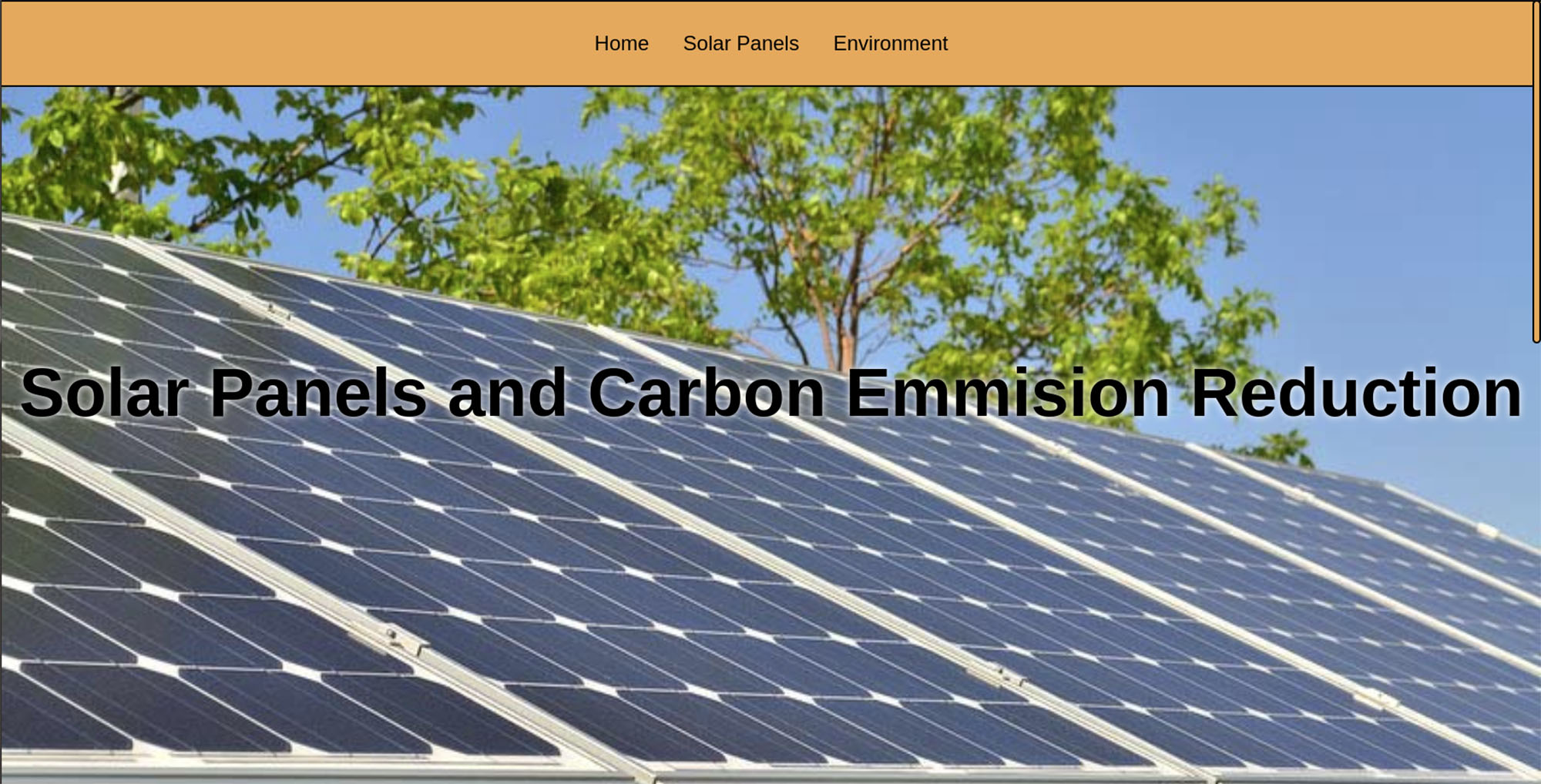 This informational website is based on my research into solar panels and the carbon emissions related to them. I talk about the carbon emissions they can reduce through reducing your reliance on fossil fuels for electricity, but also the carbon emissions they add through the manufacturing process and transportation. The main technologies used for this project were HTML and CSS in order to effectively convey the information and have a visually appealing website to inform people about solar panels and their own carbon footprint. One of the key things I learned was how to use HTML tables to effectively present information. By laying out the information in a table, I was able to convey it in the best possible way. The website turned out very well;, I like the end design and how everything is laid out. One of the big issues though, was the mobile layout. I could not quite get it to work properly, and even now it still is not entirely finished, although this issue occurred, I prevailed and got the website into at least a viewable version on mobile. This project also had a major twist- we were not allowed to touch our own code; instead, we had to collaborate with others in order to learn project management skills. This was kind of challenging as I could not exactly turn my ideas into words properly so it took some time in order to get used to telling someone how I wanted the design. Even after all of this, I still enjoyed this project. It, was quite interesting learning how to project manage and work under other people and I am happy with how the end product turned out. View Website
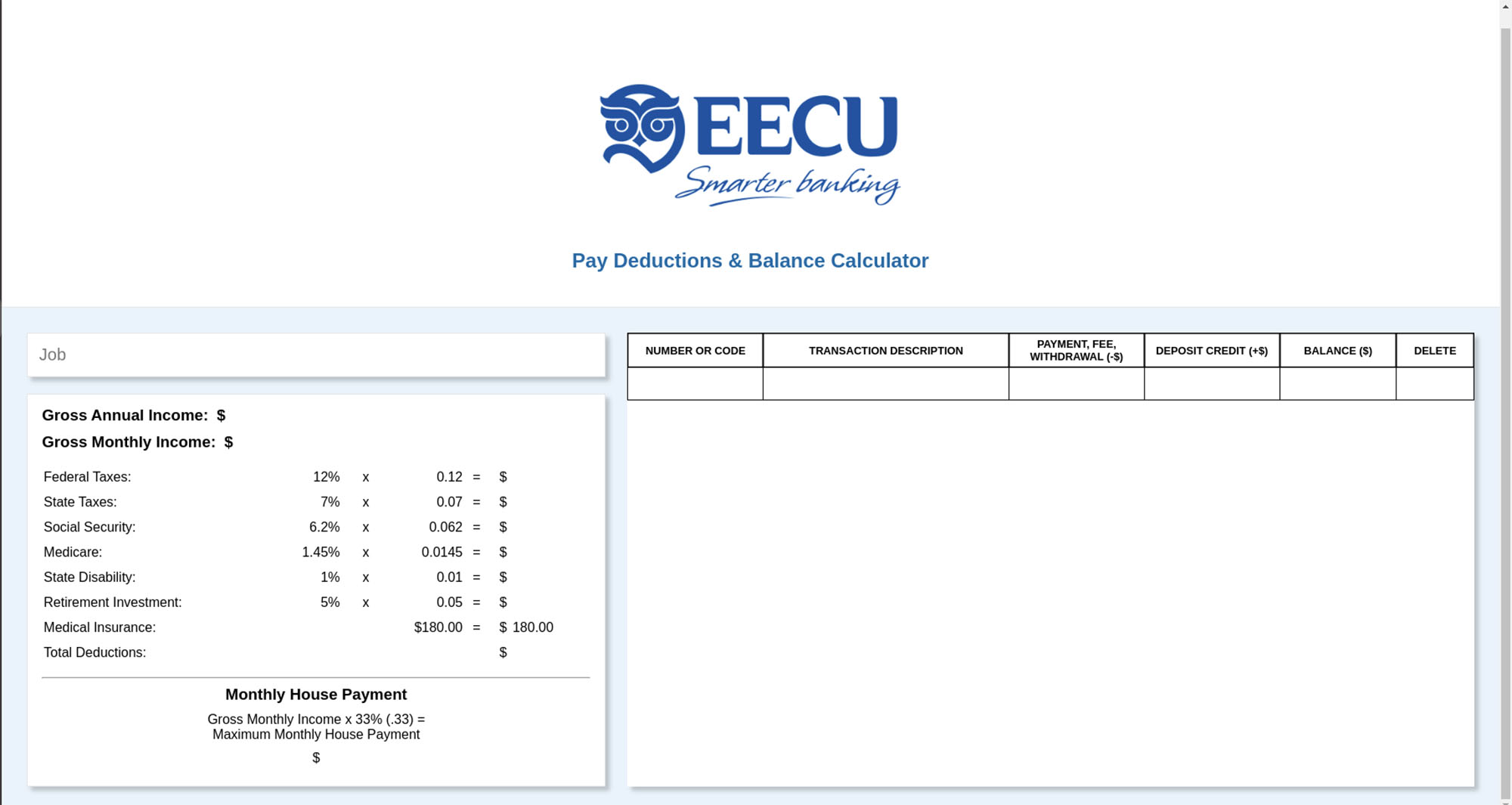 The EECU Budget Calculator was the first project where I incorporated JavaScript into a website. We were learning about budgeting and taxes in class so this project was a test of what we learned about both budgeting and JavaScript. This project was focused on JavaScript so it did not have to look pretty but mine did turn out good, it also functions correctly and works great, so all in all, a very big success. There were some issues though, the main one being trying to get the balance book to update correctly based on every line but with perseverance, I got it done and working amazingly. One of the biggest things I learned through this project is JavaScript events. I had interactions with JavaScript before this project, but nothing in the browser so learning user interactions with the browser and JavaScript was interesting, especially figuring out when exactly to have the events. There was a lot of communication done in this project as, although it was not a collaborative project, I talked with a lot of people to get ideas on how certain functions should work and how things should look. This helped a lot as all this additional feedback really showed what worked and what did not. Ultimately, I enjoyed this project a lot, it was very funny using JavaScript like I never have before. View Website
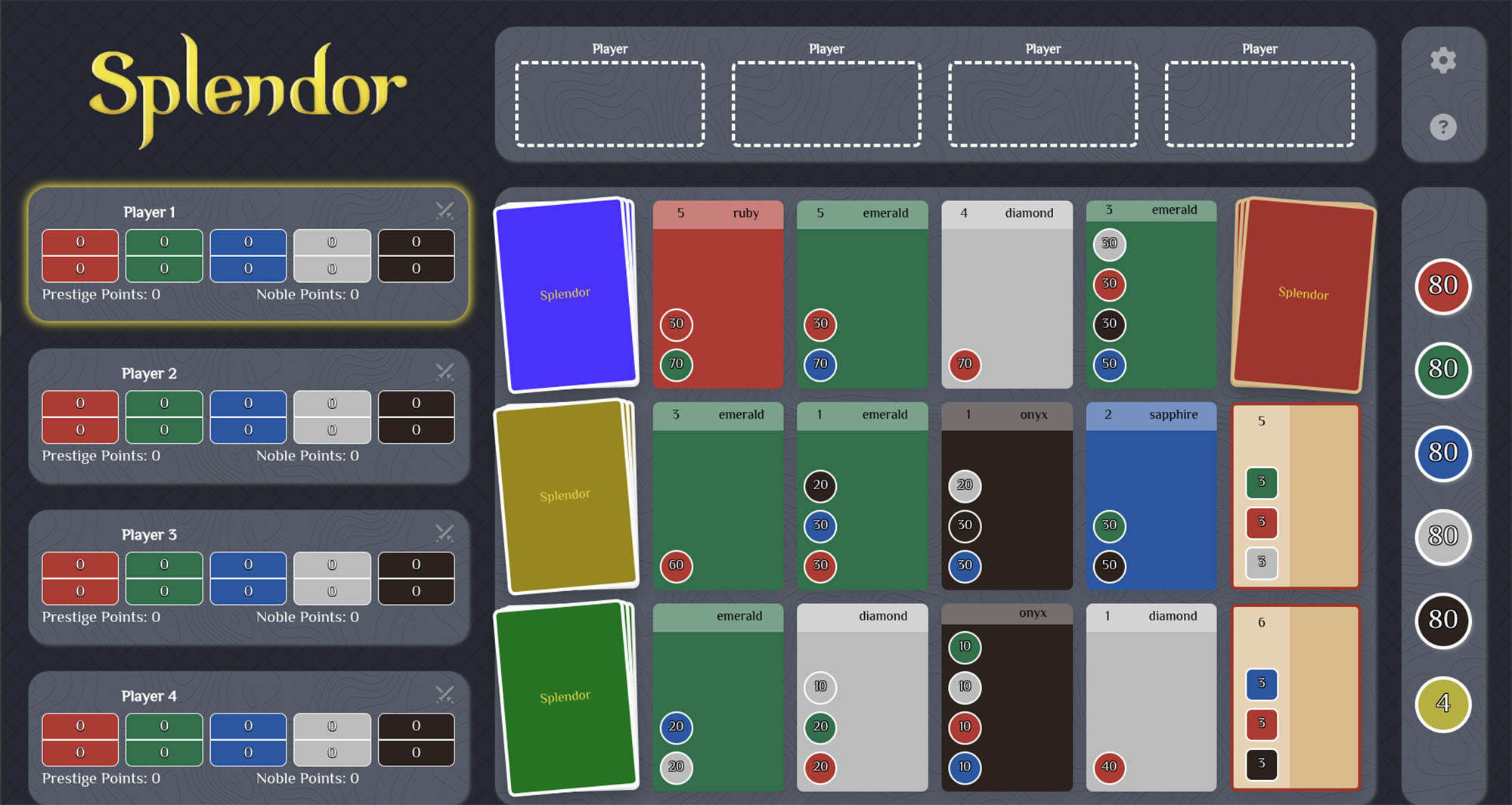 For this project, we had to convert a board game into a playable website, we also had to add a twist to the game and its mechanics. This was a collaborative project and my partner and I decided to use the game Splendor as we had both fallen in love with this game before this project. This project was the culmination of everything we learned in the class. We were required to create a design, convert it to HTML and CSS, and implement website functionality using JavaScript. This project taught me a lot about objects and classes in JavaScript, I have never really touched them before this project, and data storage in general. One of the biggest issues we had in this project was converting HTML elements into JavaScript objects, as all the playing material was stored in JavaScript objects. To fix this issue we persisted and came up with a method of converting the HTML into objects as they had all the necessary information for the conversion. There was also a huge amount of communication in this project because my partner and I did not always see eye to eye on some issues but we communicated and came up with solutions that both of us wanted. Overall, this project was a huge success and is my favorite project I have ever worked on, although we did not implement all the things we wanted, it turned out great. View Website